-
Network in InExchange
Path to InExchange Network: Home\Expand your network
Denied request - click here for more information
Here's how to send a request:
1. Locate the relevant company by entering the organization number or company name in the search box and clicking Search. Then click on the company's name in the list presented below the search box.
2. Now send a request by clicking either I want to receive or I want to send.
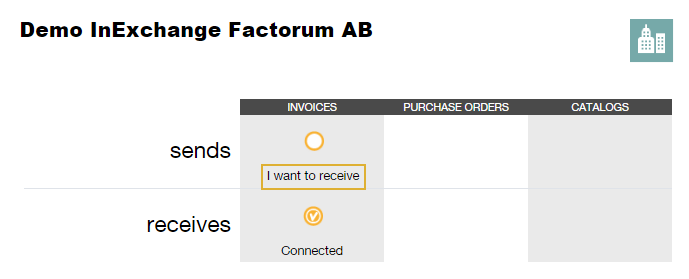
After you have sent a request and the recipient has accepted the relationship, you will have a connection - this is marked with Connected in the table.
 In case of denied/rejected request:
If your request was rejected, we recommend that you contact the recipient by phone to clarify any questions. You can then send a new request as agreed.