-
Getting Started
-
Settings and Registers
-
Send Your Invoices
-
Learn More
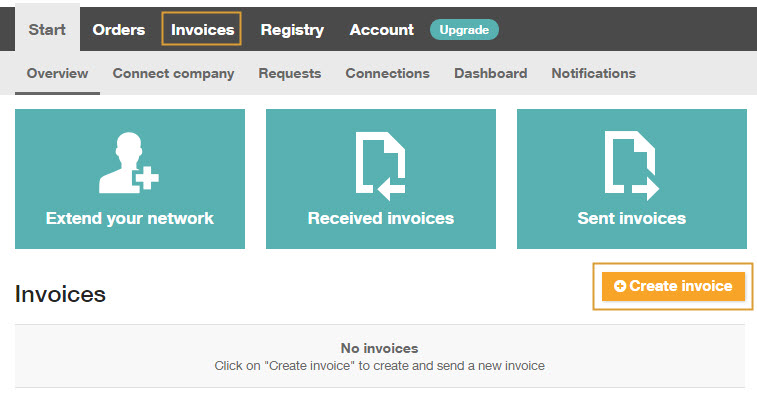
Path to InExchange Network: Invoices\Create Invoice
From the homepage of InExchange Network, you can choose to proceed and create an invoice in two different ways:
- Click on Create Invoice on the homepage
- Click on Invoices and then on Create Invoice in the menu.
Whichever you choose, you will land on the Create Invoice page.