-
Getting Started
-
Settings and Registers
-
Send Your Invoices
-
Learn More
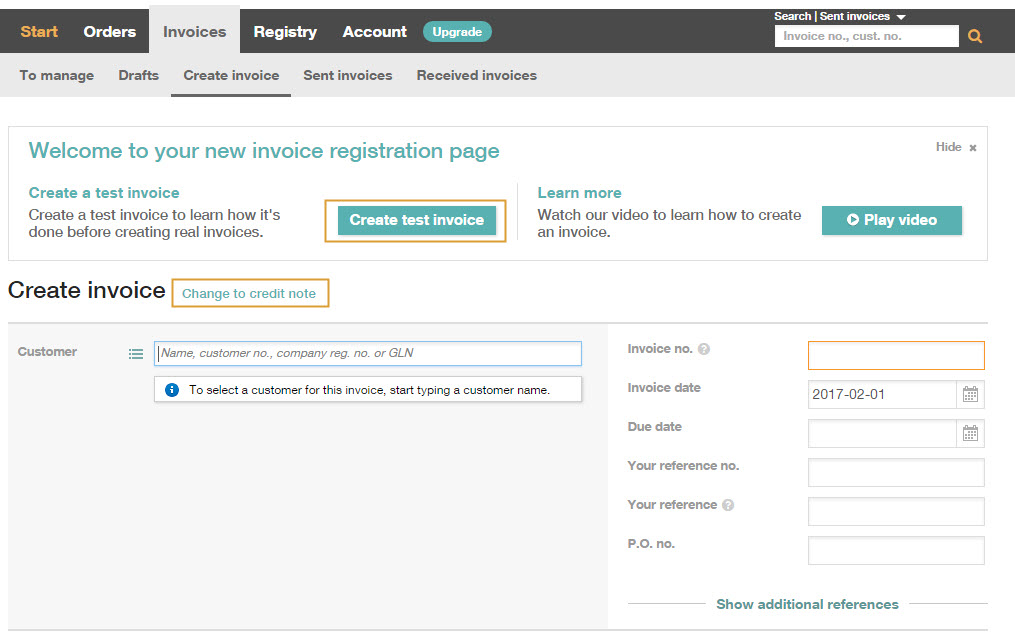
Path to InExchange Network: Invoices\Create Invoice
You can now create your first invoice directly.
Click on Switch to Credit Note if it is a credit note you want to create.
Watch our video about Create Invoice
How do I edit a saved invoice?
Saved invoices can be found under Invoices > Drafts. The invoice draft remains here until you choose to send or delete it. The number to the right of the heading in the menu refers to the number of saved drafts. Click on the relevant invoice/document number to complete and finalize the invoice.
Learn more:
Choose between manual and automatic invoice number series